How Cross-Platform Password Managers With Travel Mode Features Differ From Standard Vaults in Protecting Sensitive Accounts at Border Crossings and Hotel Networks
Robert Kim
10/13/2026
5 min read
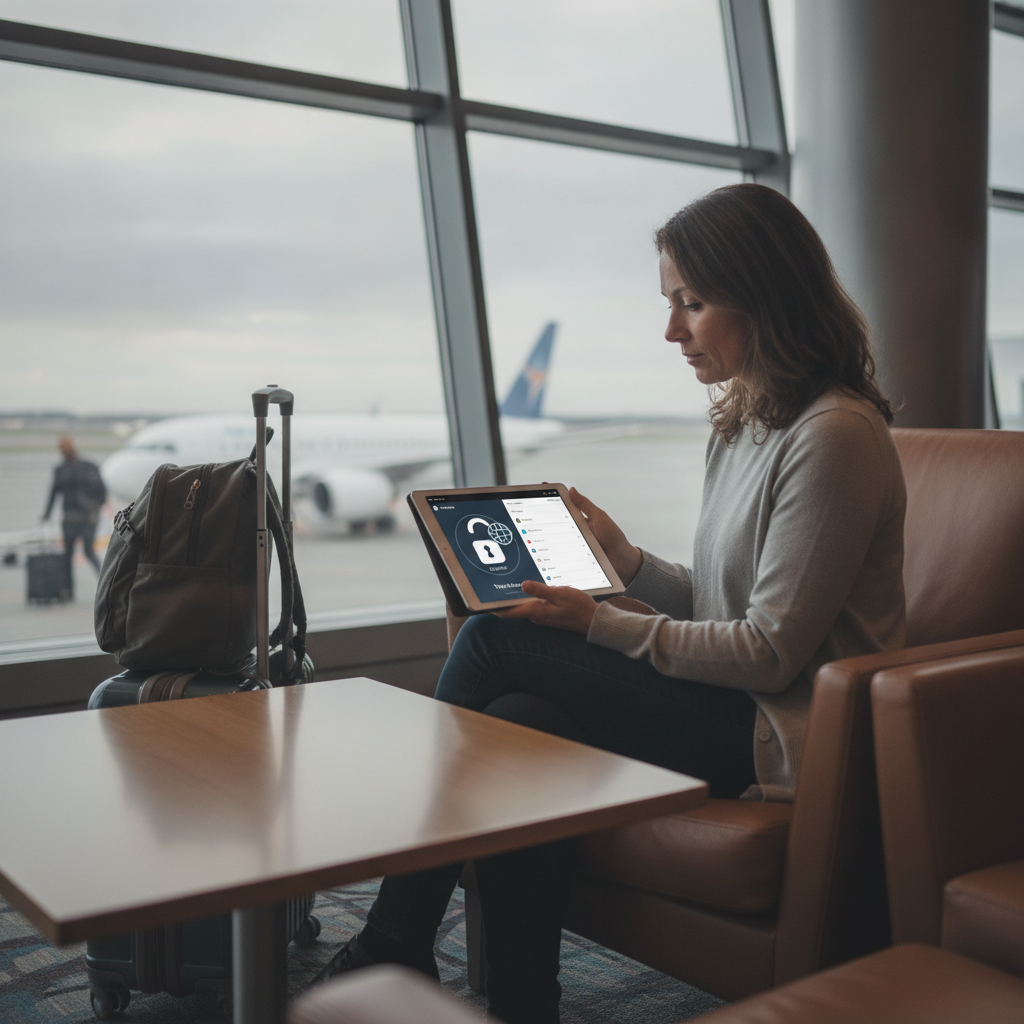
Border agents in several countries now have legal authority to request access to electronic devices, and hotel Wi-Fi networks remain among the most reliably exploited attack surfaces in cybersecurity. For travelers carrying sensitive financial accounts, work credentials, or personal data, the difference between a standard password vault and one built with travel-specific protections is not cosmetic — it reflects a fundamentally different threat model, one calibrated for movement across jurisdictions rather than use from a fixed home network.
What Does Travel Mode in a Password Manager Actually Do?
Travel Mode is a feature introduced by 1Password that allows users to designate specific vaults as safe for travel while hiding all others from view — and from device storage — until the feature is manually deactivated after crossing into a safer environment. When Travel Mode is enabled, a device inspection reveals only the vaults the user has pre-approved for visibility, with no trace of hidden vaults in the app interface or in local storage. This is meaningfully different from simply logging out, because a logged-out state still implies that hidden data exists somewhere. Travel Mode presents a clean, credible account state that withstands cursory inspection without triggering further scrutiny.
How Standard Vaults Handle the Same Scenario
A conventional password manager — even a well-regarded one like Bitwarden or Dashlane running in its default configuration — stores a single unified vault that becomes visible upon authentication. There is no built-in mechanism to selectively surface only certain credentials while concealing others from view. A traveler who unlocks the app at a checkpoint reveals everything: banking logins, work VPN credentials, tax accounts, investment platforms. Even with strong master password protection, the full scope of what is stored becomes apparent once the vault is open, and some jurisdictions treat refusal to unlock a device as a separate legal offense entirely.
Why Hotel Wi-Fi Introduces a Different Layer of Risk
Hotel networks present a threat that is distinct from border inspection: rather than compelled disclosure, the risk is passive interception. Networks in mid-range hotels across Southeast Asia, parts of Eastern Europe, and budget accommodation corridors in major Western cities have been documented as vectors for credential harvesting, man-in-the-middle attacks, and session hijacking. A password manager that auto-fills credentials over an unsecured connection without triggering a security warning provides no meaningful protection against this category of attack. The distinguishing factor with travel-optimized setups is the combination of vault segmentation, local-only decryption, and integration with a trusted VPN layer — such as the built-in Psiphon passthrough some routers support — that prevents the network itself from seeing plaintext authentication traffic.
How Cross-Platform Sync Behavior Differs Under Travel Conditions
One underappreciated dimension of this comparison involves how password managers handle sync across devices during travel. Standard vaults typically sync continuously with cloud infrastructure, meaning that every login attempt, vault change, or credential access generates a server-side log. Travel-optimized tools allow users to pause cloud sync entirely, operating in a fully local mode where decryption happens on-device and no metadata is transmitted to remote servers during the period of elevated risk. This matters at border crossings because network metadata — even without credential content — can reveal which accounts a traveler accessed most recently, potentially flagging activity patterns that attract additional inspection. Apps like 1Password and certain configurations of KeePassXC support this offline operational mode explicitly.
What the Cross-Platform Requirement Actually Demands of These Tools
For the protection to hold, it must function consistently across iOS, Android, Windows, and macOS without degrading at any layer. A travel-mode feature that works on a laptop but not on a phone creates an obvious gap, since border agents typically inspect both. The strongest implementations maintain feature parity across all operating systems, with Travel Mode or its equivalent toggled from a web dashboard before departure — not from the device itself, which may already be in an inspected state. This remote-control architecture means that if you are traveling through a jurisdiction with aggressive device search policies, vault segmentation can be activated or adjusted from a separate device before the primary one is handed over, without any visible configuration change appearing on the inspected device.
What Travelers Should Configure Before Departure
If you are planning travel through high-risk border environments or relying heavily on hotel and hostel Wi-Fi, the configuration window before departure is the critical period. Start by auditing which credentials are genuinely necessary during travel and moving everything else into a vault that is hidden before you leave. Enable Travel Mode through the account dashboard — in 1Password, this requires marking specific vaults as travel-safe while leaving others unmarked, which removes them from all synced devices automatically. Pair this with a hardware security key like a YubiKey for any accounts that support FIDO2 authentication, since these cannot be phished over a compromised network regardless of the connection quality. Disable auto-fill on networks you have not explicitly trusted, and consider a mesh travel router with VPN passthrough — devices like the GL.iNet Beryl AX create a clean encrypted tunnel between your devices and the hotel's gateway, so the local network sees only encrypted traffic rather than individual authentication requests.
The gap between standard password vaults and travel-mode-enabled alternatives is not primarily about encryption strength — both categories use robust cryptographic standards that are effectively unbreakable with current methods. The real difference lies in what is visible, when it is visible, and to whom. A standard vault is designed for a threat model centered on unauthorized remote access. A travel-configured setup addresses the more immediate risk of authorized physical inspection, compelled device access, and passive network exploitation that define the actual conditions frequent international travelers encounter.
More Trending Articles
How Supermarket Deli Counter Pricing Compares to Pre-Packaged Equivalents and Which Categories Consistently Offer Better Value When You Buy by Weight
Jennifer Walsh
10/27/2026