How Smart Home Integration Apps That Sync With Travel Schedules Can Reduce Energy Waste and Utility Costs While You Are Away
Chris Martinez
07/27/2026
5 min read
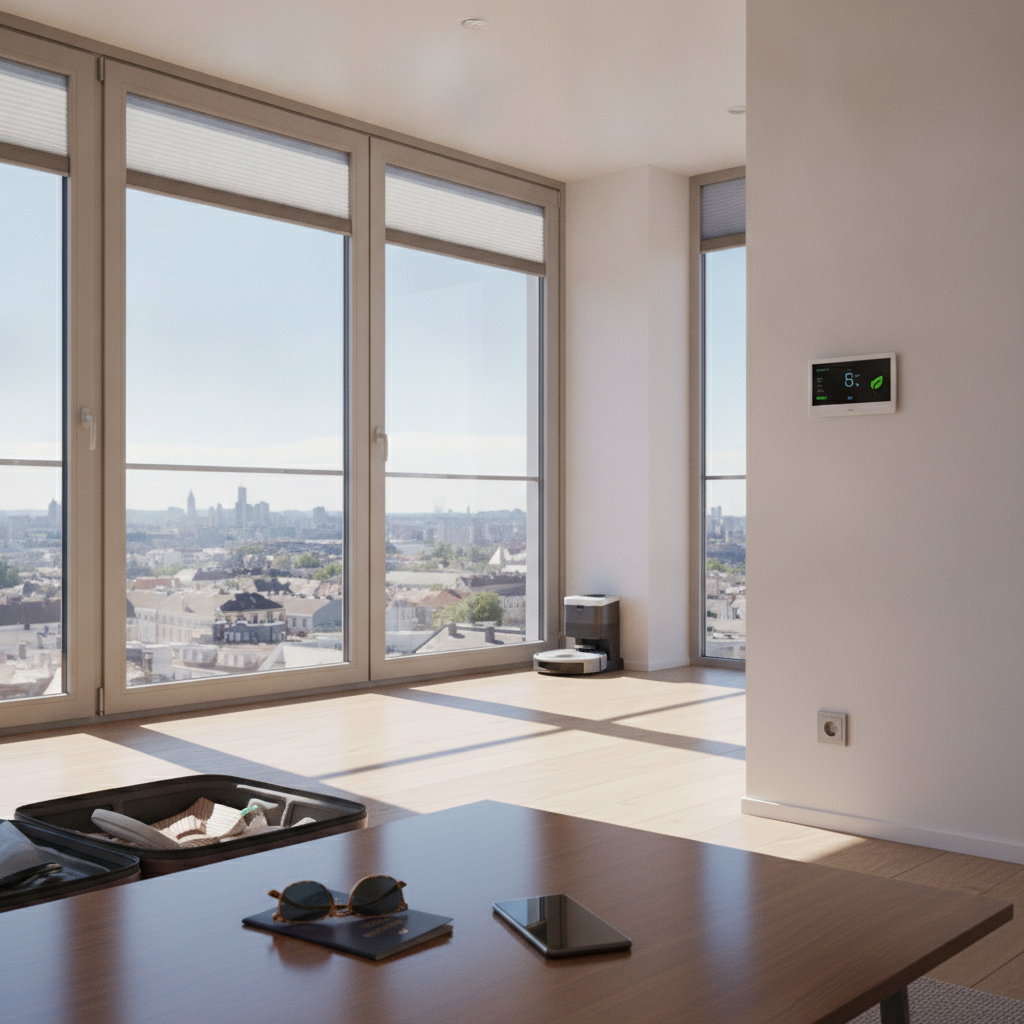
Leaving home for a trip doesn't have to mean leaving your energy consumption on autopilot. Smart home integration apps have matured considerably, and the best ones now sync directly with travel calendars, flight data, and even hotel check-in times to automatically adjust how your home uses energy while you're gone. For travelers who take multiple trips per year, the cumulative savings on utility bills can be meaningful — and the convenience factor alone makes setup worth the effort.
Connect Your Smart Thermostat to a Travel Calendar
Apps like Google Home and Amazon Alexa routines allow you to link your thermostat — whether it's a Nest, Ecobee, or Honeywell Home device — to your personal calendar. When a travel event is detected, the system shifts into an energy-saving mode automatically. You set the parameters once: how many degrees to drop in winter, how high to let the temperature rise in summer, and when to resume normal settings before your return. This kind of passive automation prevents the common situation where an empty house runs full HVAC for days at a stretch.
Use Geofencing to Trigger Home Modes at Departure
Geofencing is one of the most underused features in smart home apps. When your phone crosses a defined boundary — say, a mile from your home — the app detects your departure and shifts your home into an away profile. SmartThings by Samsung handles this particularly well, coordinating lights, plugs, and climate settings the moment you leave. For travel specifically, you can configure a deeper "extended away" mode that kicks in once you've crossed a larger boundary, like leaving the city or the country, cutting power to devices that draw standby energy unnecessarily.
Schedule Lighting to Simulate Occupancy Without Wasting Power
Security lighting that mimics occupancy doesn't have to run at full brightness all night. Modern apps like Home Assistant let you program randomized lighting sequences on smart bulbs — short bursts of light in different rooms at intervals that suggest someone is home. These sequences use a fraction of the energy compared to leaving lights on continuously. You can also set outdoor lights to activate only on motion detection while you're away, rather than running on fixed timers that burn energy regardless of activity near your property.
Audit Phantom Loads Before You Leave
Phantom loads — the electricity drawn by devices in standby mode — account for a surprising portion of household energy use. Smart plugs with energy monitoring, available through platforms like TP-Link Kasa or Wemo, let you identify which devices are consuming power even when not actively in use. Before a trip, reviewing your app's energy dashboard can reveal appliances worth switching off completely. Plugging entertainment systems, office equipment, and kitchen appliances into smart strips controlled through your app means you can cut power to entire circuits remotely or on a schedule.
Set Water Heater Schedules to Vacation Mode
Water heaters are among the largest energy consumers in most homes, and they typically keep running at full temperature even when no one is home. Many modern water heaters — including those by Rheem and A.O. Smith — connect to smart home apps and offer a vacation mode that drops the temperature to a maintenance level rather than shutting down entirely. Integrating this with your travel schedule ensures the heater automatically drops to its efficient minimum when you leave and gradually returns to normal temperature timed to your return, so you're not waiting for hot water after a long flight.
Monitor and Adjust Remotely Through a Unified Dashboard
One of the strongest arguments for using an integrated smart home platform over a collection of separate apps is the unified dashboard. Apps like Apple Home and Google Home consolidate your thermostat, lights, plugs, and security devices into a single interface you can access from anywhere with a signal. Traveling across multiple time zones becomes less stressful when you can confirm your home is in the right state with a glance at your phone. If something changes — a guest visits, a family member needs access — you can update settings remotely without disrupting your schedule.
Automate Return Prep to Avoid Wasted Energy Spikes
Returning to a cold house in January or a sweltering one in August typically leads to blasting HVAC at maximum to compensate quickly, which is inefficient. Smart home apps that sync with your return travel schedule — pulling flight arrival data through integrations with apps like TripIt or Google Flights — can begin warming or cooling your home at the right time based on actual arrival, not a fixed guess. This gradual preparation consumes less total energy than a rapid temperature correction and means your home is genuinely comfortable the moment you walk in.
Review Post-Trip Energy Reports to Refine Your Settings
Most smart home platforms generate energy reports that break down usage by device, time of day, and home mode. Reviewing these after each trip gives you concrete data on what worked and what didn't. If the thermostat schedule wasn't aggressive enough, or a smart plug failed to cut power to a device, the report surfaces that clearly. Over several trips, this feedback loop tightens your system considerably. Platforms like Ecobee provide particularly detailed breakdowns that help you understand exactly where your away settings are still leaving efficiency on the table.
The direction this technology is heading is worth watching closely. Integration between smart home platforms and travel booking systems is becoming tighter, with apps starting to pull real-time data from airlines, accommodation platforms, and even traffic conditions to adjust home behavior dynamically. As these connections deepen, the idea of manually adjusting your home before a trip will feel increasingly outdated. The homes that save the most will be the ones configured to respond to where you actually are — not where you planned to be.
More Trending Articles
How Supermarket Deli Counter Pricing Compares to Pre-Packaged Equivalents and Which Categories Consistently Offer Better Value When You Buy by Weight
Jennifer Walsh
10/27/2026